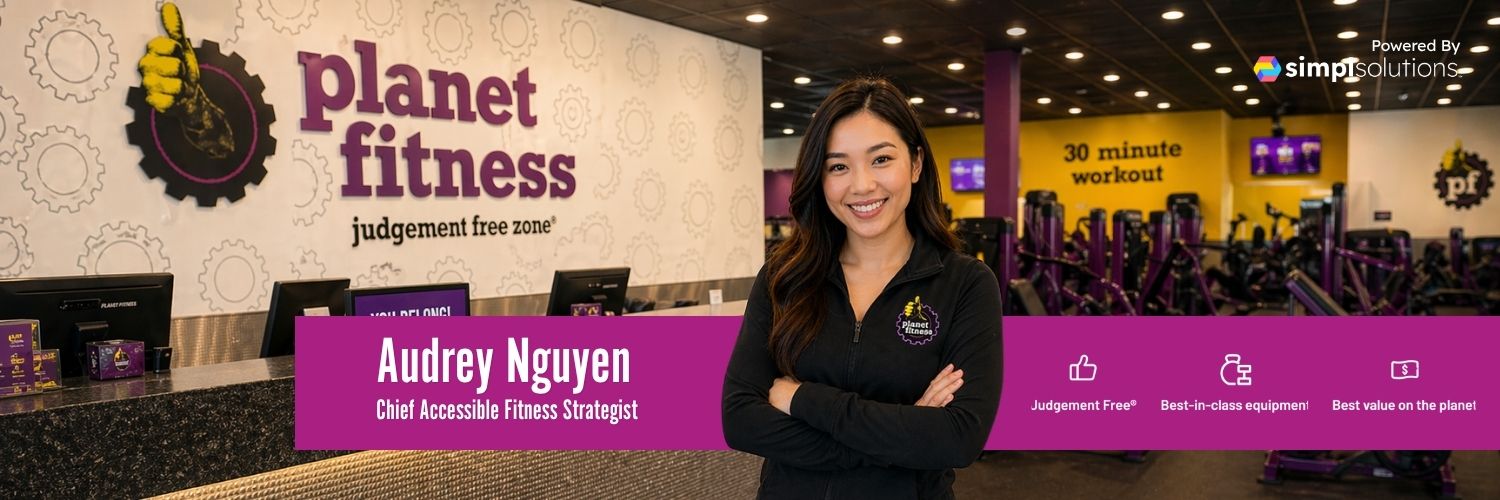
Planet Fitness - External and Internal Tool View
A sample page showing the two Planet Fitness tool experiences you may see.
This page is designed to highlight both the customer-facing experience and the internal team experience in one view.
The external tool, shown at the bottom right, is the version customers would see. It is built to help members and prospects get clear, beginner-friendly guidance in a welcoming, Judgement Free environment.
The internal tool, shown at the bottom left, is the version Planet Fitness internal teams use to support marketing, operations, planning, and other internal work. It is designed to help teams create, organize, and execute work more clearly and consistently.
Overview
This is a sample layout intended to demonstrate how Planet Fitness supports both external and internal users.
On the customer side, the experience is focused on simple, practical help for everyday fitness questions. It is designed to make fitness feel easier to start, easier to understand, and easier to repeat.
On the internal side, the experience is focused on helping Planet Fitness teams work more efficiently across functions such as marketing, operations, communications, planning, and internal support.
Together, these two views show how Planet Fitness can support both the people it serves and the teams behind the work.
External Tool: Customer-Facing Experience
The external tool is the version customers would interact with directly. It is designed for everyday gym-goers who want clear, safe, and approachable support without intimidation.
Example capabilities
Create beginner-friendly workout routines for gym or home
Explain how to use common gym equipment safely and effectively
Provide general fitness and nutrition education
Suggest simple workout plans based on goals like strength, consistency, or general fitness
Offer modifications for different fitness levels and limitations
Help structure a weekly routine that feels built for real life
Answer questions about exercise form, recovery, and progression
Starting a text chat
To begin, type your question or goal into the chat.
Describe your fitness goal
Share your experience level
Mention any limitations, injuries, or preferences
Ask for a plan, explanation, or recommendation
Sample prompts
“Create a beginner gym workout plan for me”
“How do I use the treadmill for fat loss?”
“What’s a simple weekly workout schedule for beginners?”
“Give me a basic nutrition plan to support weight loss”
“How can I modify exercises if I have knee pain?”
Starting a voice chat
You can also use voice chat for a more natural conversation experience.
Open the voice chat feature
Clearly state your goal or question
Provide any relevant details
Ask follow-up questions as needed
Speaking naturally and giving context helps create more useful responses.
Internal Tool: Team-Facing Experience
The internal tool is the version used by Planet Fitness internal teams. It supports work across marketing, operations, communications, planning, and other internal functions.
Example internal uses
Support marketing and campaign development
Organize internal planning and execution work
Help teams create clearer messaging
Assist with operations and process support
Draft internal briefs, summaries, and planning materials
Support internal coordination and day-to-day business work
The internal tool is not customer-facing. It is designed to help Planet Fitness teams stay aligned, work faster, and deliver a more consistent member experience.
Best Practice Tips
For the external tool, start with clear goals and simple questions.
For the internal tool, use it to reduce friction, organize work, and improve clarity.
In both cases, the goal is to make the next step easier to see and easier to act on.
Boundaries and Safety Guidelines
Appropriate use
The external tool is designed for general fitness education, workout ideas, and basic nutrition guidance. It can help people understand exercises, build routines, and stay consistent in a safe and approachable way.
The internal tool is designed to support internal teams with planning, messaging, operations, and execution support.
Limitations
The external tool does not replace a certified personal trainer, medical professional, or registered dietitian. It does not diagnose conditions, treat injuries, or provide personalized medical or dietary prescriptions.
The internal tool does not replace human approval, legal review, compliance review, or executive decision-making when those are required.
Resource Links
https://www.planetfitness.com
https://www.planetfitness.com/pf-anywhere
In Summary
This sample page is intended to show both sides of the Planet Fitness tool experience.
The external tool at the bottom right shows what customers would see.
The internal tool at the bottom left shows what internal teams use for marketing, operations, and other internal work.
Together, they represent a connected system built to support both member experience and team execution.
