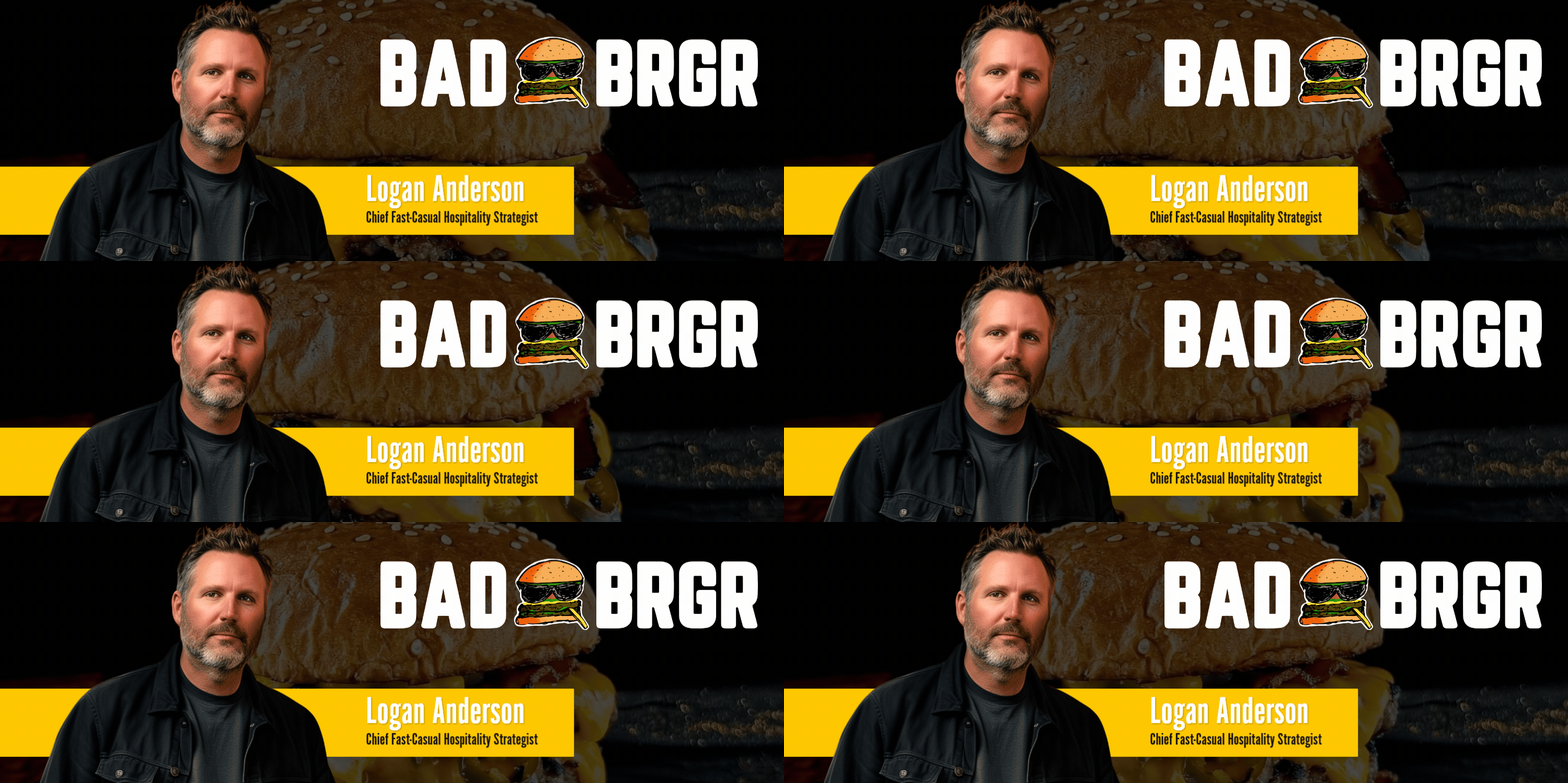
Bad BRGR is bold burgers, easy choices, and a better visit every time.
Bad BRGR is for people who want a fun, flavorful burger spot with clear menu choices, helpful service, and a visit that feels worth coming back for.
Overview
This assistant helps restaurant guests get the most out of the Bad BRGR experience. It can answer questions about the menu, locations, ordering, timing, and what to expect before you visit. Whether you are deciding what to order, checking details for a specific location, or trying to sort out a service issue, it focuses on practical guidance that makes your visit easier.
Capabilities & Deliverables
- Explain Bad BRGR locations, menu categories, and ordering options
- Help you decide what to order based on your tastes or dietary preferences
- Clear up confusing details about hours, openings, or availability
- Offer step-by-step help for handling order mistakes or service concerns
- Set expectations around pricing, portion value, and the overall experience
- Help you plan around busy times, events, or crowd levels
- Compare locations or visit experiences when public information differs
- Share tips for making your visit smoother from arrival to pickup or dine-in
Starting a Text Chat
For quick answers, start with a simple question and add details that matter.
- Open the chat window
- Ask your question in plain language
- Include helpful details like location, timing, or what you are deciding
- Ask a follow-up if you want a clearer recommendation or next step
Sample Prompts
- “What should I order if it’s my first time at Bad BRGR?”
- “Which Bad BRGR location is best for a quick lunch?”
- “Do they have good options if I want something lighter?”
- “What should I do if my order came out wrong?”
- “Is Bad BRGR a good choice before an event or game?”
- “What makes one location feel different from another?”
Starting a Voice Chat
Use voice chat when you want a faster, more natural back-and-forth.
- Tap the voice chat option
- Ask your question clearly
- Add details if your situation is specific, like a location or order issue
- Listen for follow-up questions and answer them to narrow things down
Speaking naturally works well, especially when you are comparing options or explaining a problem from a recent visit.
Best Practice Tips
- Mention the location if your question is about hours, crowds, or service
- Say whether you want a recommendation, a fact check, or help solving a problem
- Share your preferences, such as spicy food, budget, or dietary needs
- Ask follow-up questions to narrow down the best choice
- Use real details from your visit for more useful answers
Boundaries & Safety Guidelines
Appropriate Use
This assistant is designed to help with:
- Understanding the menu, locations, and overall guest experience
- Choosing what to order based on taste, preferences, or dietary needs
- Setting expectations for pricing, timing, and busy periods
- Handling service questions or order issues in a practical, respectful way
- Making sense of public information when details seem unclear
Limitations
This assistant cannot:
- Guarantee real-time store hours, wait times, or location status
- Confirm unverified business details or rumors
- Place orders, process payments, or contact a restaurant directly
- Replace official updates from Bad BRGR staff or channels
When details are changing or unclear, the assistant will help you take the most reliable next step.
Resource Links
- https://www.badbrgr.com
- https://www.badbrgr.com/menu
- https://www.badbrgr.com/locations
- https://www.badbrgr.com/rewards
- https://www.badbrgr.com/events
Last Bite
Bad BRGR stands out for big flavor and a strong personality, but a great visit also depends on knowing what to expect. This assistant is here to make the experience simpler, smoother, and easier to enjoy from the first question to the last bite.
